Aging photos often suffer from faded colors and surface scratches across all formats. This deterioration impacts image quality and limits sharing potential.
The solution is AI-based restoration, which automatically fixes colors, sharpens details, and removes damage in seconds. This technology offers an uncomplicated, skill-free approach to preserving and improving visual memories.
Renew Photo
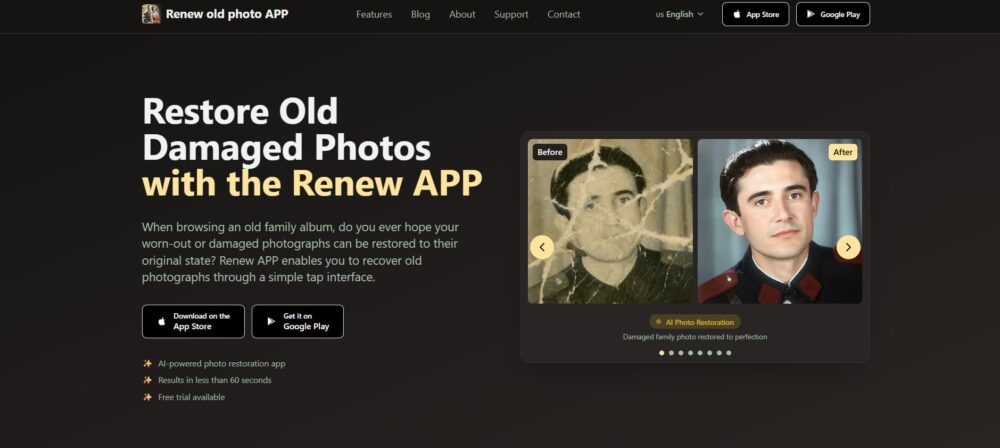
Renew App delivers lifelike restorations for damaged photos. Its AI has been trained specifically to fix frequent problems like tears, fading, and scratches. The tool automatically fixes lighting and adds realistic color to black-and-white pictures.
Operation is straightforward: upload an image and receive a high-definition restored copy in under a minute, eliminating the need for editing skills.
Key Features
- Fix torn or faded photos instantly.
- Enhance faces and sharpen details.
- Colorize black-and-white images automatically.
- Remove scratches with one tap.
- AI adjusts the lighting that’s too dark or bright.
- Merge multiple photos into one.
- Add subtle motion to still images.
- Optimize for sharing or HD printing.
Renew App is effective due to its combination of capable AI and easy automation. Its system is trained on a large database of old photos, enabling realistic repairs to damaged or missing areas. You only need to upload a picture; the AI completes the restoration in less than a minute. User privacy is protected, and a free trial is offered.
Lift
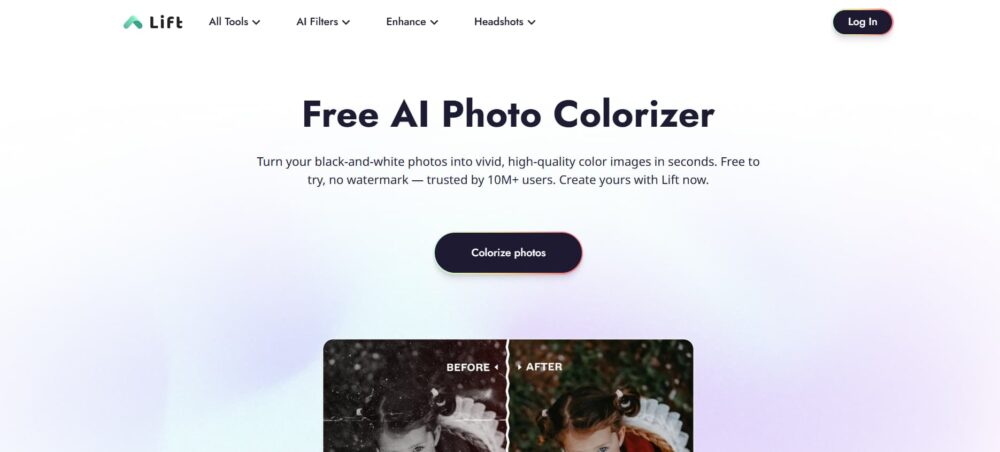
This free AI photo colorizer, Lift, quickly transforms monochrome images into detailed, lifelike color photos. Trusted by more than 10 million people, its trial version is free of watermarks, making it simple to revive old photos with natural-looking color.
Key Features:
- Adds realistic color to monochrome photos.
- Outputs professional-quality, high-res files.
- Accurately colorizes different parts of the image.
- Easy sliders to adjust the final look.
- Accessible on iOS, Android, and web.
- Try it free; upgrades are affordable.
Lift offers rapid, high-quality photo colorization economically. The AI generates realistic, natural colors rather than stylized filter-like results. It is built for ease of use and appeals to a broad audience, from hobbyists to experts.
HitPaw FotorPea
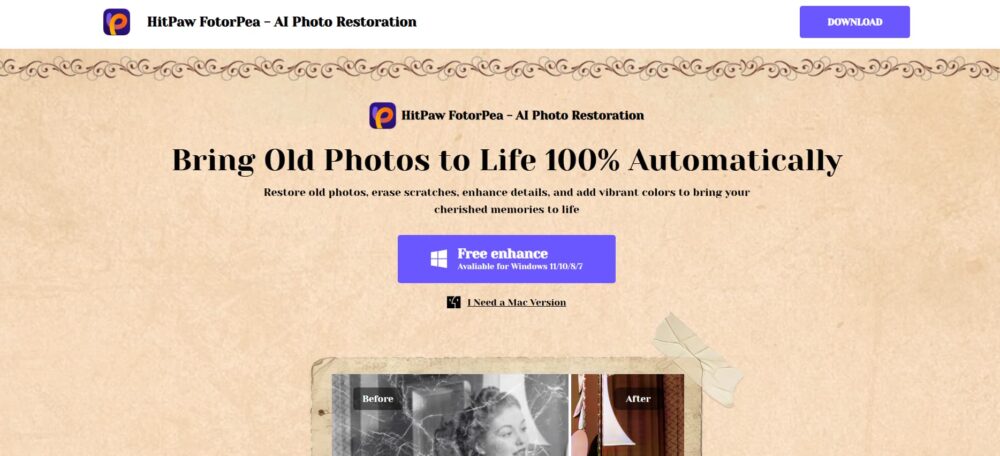
HitPaw FotorPea automatically restores old photographs by erasing scratches, enhancing details, and adding vibrant colors. Using powerful AI models, the tool revives aged images by restoring fine details and authentic colors, making it a straightforward solution for restoring cherished memories.
Key Features:
- AI fixes scratches, stains, and other damage.
- Enhances details and upscales photo clarity.
- Colorizes monochrome and faded images.
- Process entire folders of photos simultaneously.
This application provides a simple solution for photo restoration. The built-in AI corrects common issues like scratches, fading, and blur while maintaining the image’s authentic look. It includes batch processing for efficiency and supports numerous file types. For those repairing old photos, it offers a less complicated option than advanced software.
VanceAI Photo Restorer
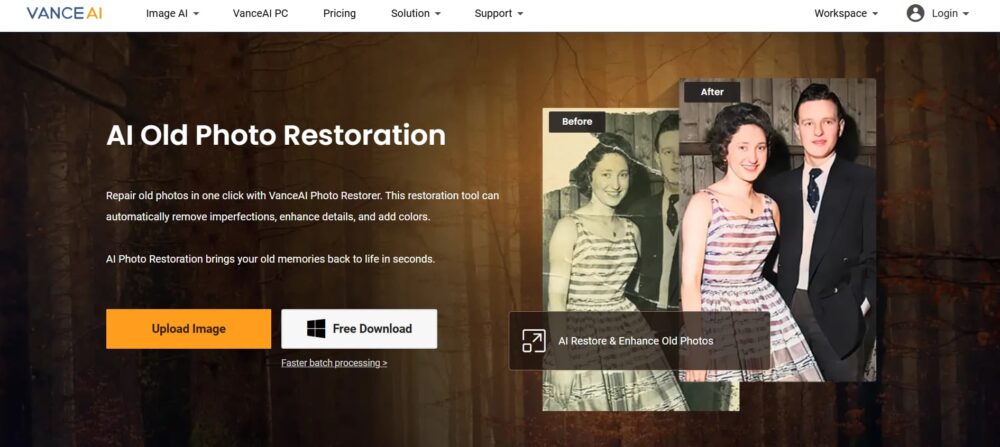
VanceAI Photo Restorer fixes old photos with one click. Its AI removes scratches and tears, improves lost details, and adds natural color. It works online and as a desktop app to restore, sharpen, and colorize damaged images efficiently. The tool turns faded pictures into clear, high-quality files suitable for sharing or printing.
Key Features:
- One-click repair for scratches and physical damage.
- Makes faces in portraits look sharper and clearer.
- Adds natural color to black-and-white photos.
- Boosts overall clarity and detail.
- Process many photos at once with the desktop app.
- Delivers high-quality, print-ready results.
- Your uploaded photos are deleted within a day.
VanceAI Photo Restorer provides a fast, automated workflow with extensive repair tools. It is unique for offering both an online platform and a desktop app for offline or bulk processing. Its specialized AI Face Enhancement improves portraits, while strong colorization and upscaling features deliver print-ready results.
Topaz Labs
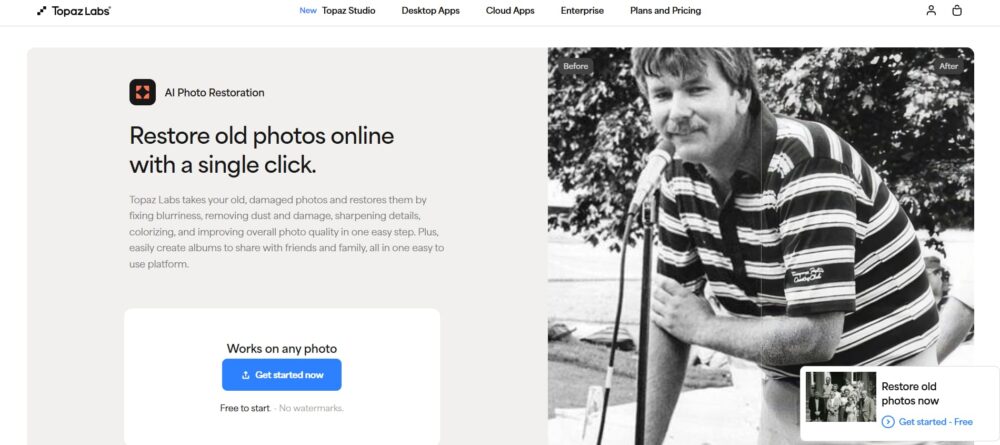
Topaz Labs repairs old photos by automatically fixing blur, dust, scratches, and sharpening details in one step. It also colorizes and enhances image quality. Built on over twenty years of experience, the platform simplifies restoring details and improving low-resolution pictures through an easy-to-use browser tool or an iOS scanning app.
Key Features:
- Fixes blur and scratches with one click.
- AI that’s really good with faces—eyes, skin, hair.
- Colorizes black-and-white photos naturally.
- Makes small, blurry photos bigger and clearer.
- Scan your old prints right from your iPhone.
- Try it free—no watermarks on your downloads.
- Use it right in your browser; no software to install.
Topaz Labs is a specialized tool backed by extensive industry experience. It provides professional-level photo restoration through an interface that requires no technical skill. The free trial does not add watermarks, and its dedicated AI models, such as those for face recovery, deliver high-quality outputs.
By combining a web platform with an iOS scanning app, it offers a full solution for restoring collections of photos.
SnapEdit
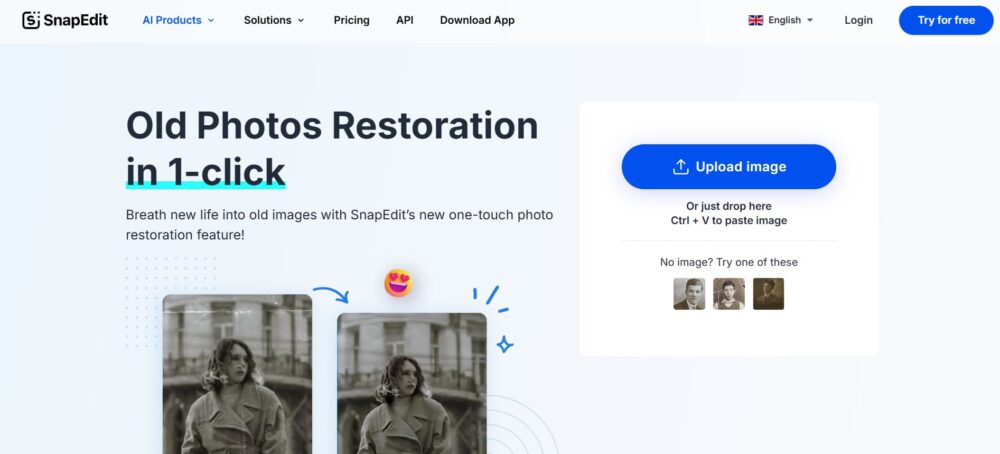
SnapEdit restores old photos with a single click. It uses AI to automatically sharpen blurry details, restore faded colors, and repair imperfections, producing a restored image in seconds. The tool is free and works across multiple devices without requiring technical skills or complex steps.
Key Features:
- Repair starts automatically the second your photo is in.
- Targets and sharpens blurry spots and missing details.
- Restores color that’s faded or completely missing.
- Use it on iOS, Android, or any computer browser.
- Basic restoration is completely free.
- Can generate a reel comparing the old and new versions.
- Straightforward interface—easy for anyone to use.
This tool is very simple to operate. The entire restoration process is automated—just upload an image for immediate AI repair. It is well-suited for fast outcomes. SnapEdit is free, includes all features, and is accessible on both phones and computers.
It is a practical choice for those who want an easy, speedy way to enhance photos without mastering software.
Conclusion
Using AI to repair photos is a practical solution available to everyone. Selecting the right application depends on the type of repair needed, like colorization, scratch removal, or batch processing.
The process is usually simple: upload an image and let the AI handle the restoration. This provides a quick, effective method for improving and saving important pictures without expertise.
Two More AI Restoration Apps to Know About
Beyond the tools listed above, there are two additional apps that users often choose when standard AI restoration isn’t quite enough or when they want added creative flexibility.
RetroFix
RetroFix is a mobile AI photo restoration app focused on deeper repair of aging and damaged photographs. It performs well on images with visible scratches, faded colors, uneven lighting, and worn facial details. Rather than simply enhancing sharpness, the AI works to reconstruct damaged areas before refining the image.
The app is designed to stay simple and accessible, even though the restoration results are more substantial than many quick-fix tools. After restoring a photo, users can optionally animate it, adding subtle motion once the damage has been repaired.
RetroFix is a good option when basic AI tools don’t deliver strong enough results, but professional desktop software feels excessive. More details are available at https://retrofix.app.
Yore
Yore takes a different approach by combining photo restoration with creative AI reconstruction. It can clean up and enhance old photos, but its standout feature is the ability to merge two separate images into a single composition. This is useful for rebuilding missing sections of a photo or creating new images from historical references that were never photographed together.
In addition to restoration and photo combining, Yore also supports photo animation. It’s designed for users who want to go beyond static repair and explore more expressive ways to preserve memories.
Yore works best for projects that mix restoration with creative output rather than strict technical correction. Learn more at https://yoreapp.website.